commit 9d1c3f6 ·
You place the character, the model directs the scene: the limits of AI AR video
Movement, speech and predictability: what you can't control in AI AR video, and how regenerating with Seedance, Veo or Kling fixes it.
The short answer
What are the limits of AI augmented-reality video? Three main ones: you can't control the movement precisely, you can't control speech or voice, and you can't predict what the final video will look like. You pin the character in place and write the action, but its reactions after that are decided by the model, not by you. When you need more control, the fix is to build your own character model and then regenerate the video with tools such as Seedance, Google Veo and Kling AI.
We write this from practice: we used this technique for "The Viking who sells water", which reached 46,500 views in under 22 hours, and explained the method in how we made a Viking sell water. This is the part the ads leave out.
You place the character; the model directs the scene
In AI AR apps such as Simulon, your role mostly ends at three points: choosing the place, pinning the character and writing the action. Then you film, and the character appears in your camera, but what it does is completely out of your hands.
That is not a bug in one app; it is how the method works. The model generates the movement itself, based on its training and the description you wrote, and it does not take live direction like an actor.
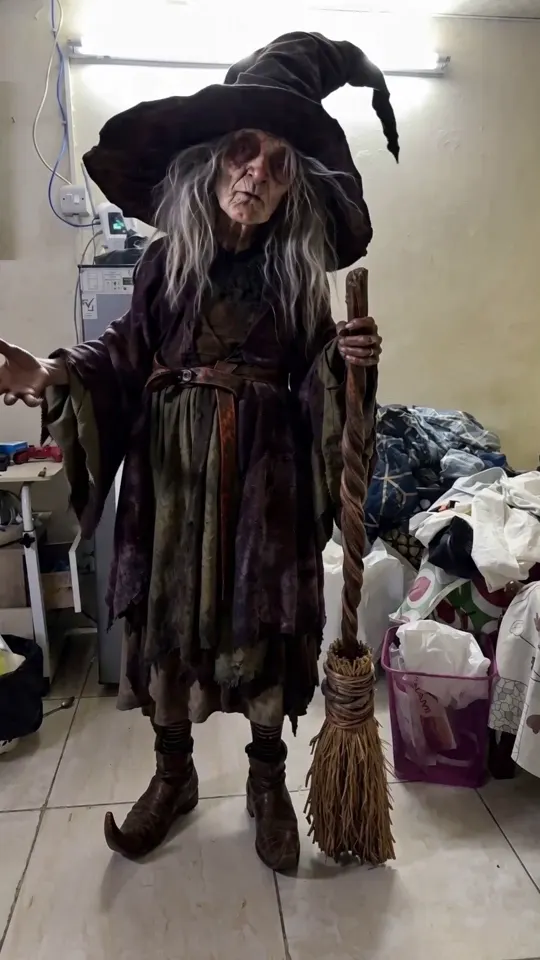
Limit 1: weak control over movement
What happens: you write "lifts the jug and offers it to people walking by" and get something close, something different, or something exaggerated. Sometimes the character makes a move you never asked for.
Why: a written description guides the model; it does not constrain it. The model fills in everything you left open: speed, hand angle, gaze, timing.
How to handle it:
- Write one clear action per shot, not a chain of actions.
- Film several takes of each shot and pick the best in the edit.
- Test the model's movement inside the app before going out to film.
Limit 2: no control over speech or voice
What happens: the character doesn't speak in your voice or say a specific line you wrote. It responds according to its training and the production description.
Why: these apps are built to generate movement and blend it with the place, not to lip-sync a specific script.
How to handle it:
- Make the idea visual, not verbal. The Viking video doesn't need a single word to be funny.
- Add sound and text in the edit.
- If dialogue is essential, regenerate the shot with a video model that supports performance and voice, as described at the end of this note.
Limit 3: you can't predict the result
What happens: the same place, the same character and the same description can give different results on every attempt.
Why: generation runs in the cloud on an AI model, and each generation is a fresh interpretation of the description.
How to handle it:
- Plan for several attempts from the start; never rely on one take.
- Write the idea so it works with more than one version of the movement.
- Use the surprises: some of the best moments come from movement you didn't plan.
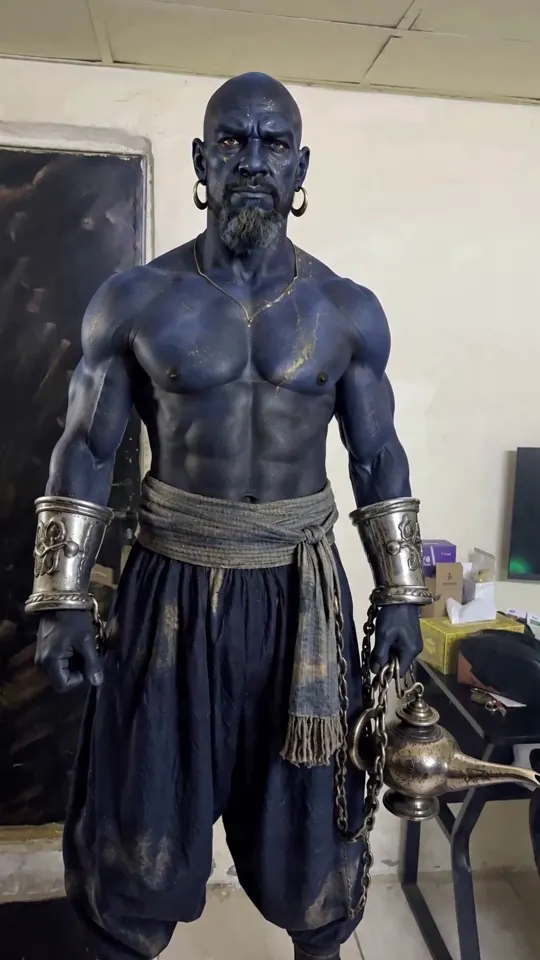
What about lighting?
Lighting in these apps is reasonably good: daylight and ordinary room light give good results in most cases. And if the light comes out weak or unconvincing, it is not a big problem, because the video can be regenerated in another tool.
The fix: your own model + regeneration
When you need more control over movement, speech or the final look, we work in two stages:
- Build your own character model: a clean image of the character with Kling AI or Higgsfield, then a 3D model on Meshy, Tripo or Rodin.
- Regenerate the video: we use the AR shot as the base and regenerate it with Seedance, Google Veo or Kling AI to control the performance and details more closely.
| You need... | Best approach |
|---|---|
| A fast video for a visual idea with no dialogue | The AR app alone, in under an hour |
| More precise movement or better light | AR, then regeneration |
| A character that speaks specific lines | Your own model, then regeneration in a tool that supports performance and voice |
FAQ
Can the character say a specific line?
Not inside the AR app itself. Add the voice in the edit, or regenerate the shot in a tool that supports performance and voice.
Why does the result change on every attempt?
Because each generation is a new interpretation of the description by the AI model. That's why we film several takes and pick the best.
Do these limits stop commercial use?
No. They decide which ideas fit: fast, strong visual ideas like the Viking video. When a brand needs more control, we add the regeneration stage. We offer both as part of the 3D characters & AR service.
Which tools are used for regeneration?
Seedance, Google Veo and Kling AI; we choose between them depending on the shot.